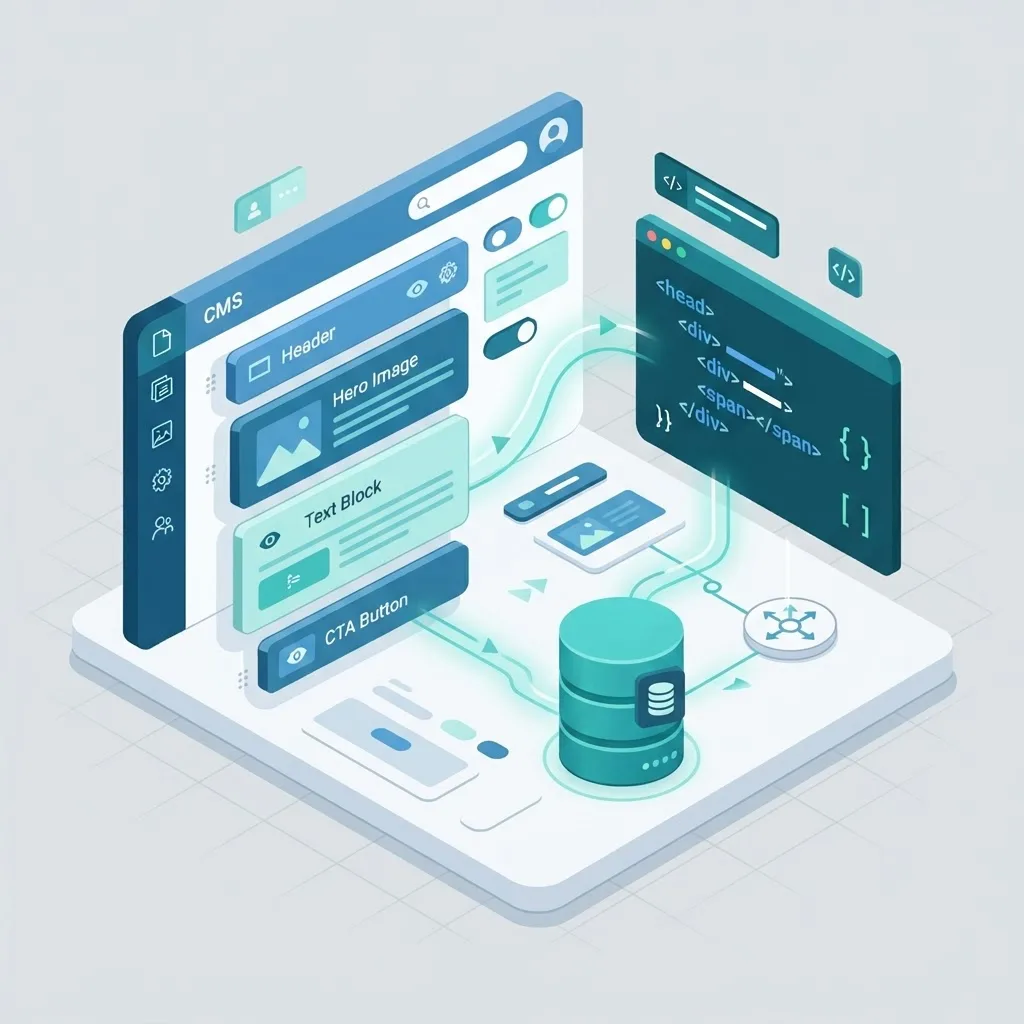
A developer-focused guide to the best CMS tools of 2026, comparing headless and traditional platforms by API quality, DX, and maintainability.
Last updated: July 21, 2026
Introduction
Choosing the right content management system is one of the most consequential technical decisions a developer makes on any project. The best CMS tools for web developers in 2026 are no longer monolithic platforms that lock you into a single templating language. They are flexible, API-first systems that let you model content once and deliver it anywhere: a website, a mobile app, a smartwatch, or a kiosk.
This guide breaks down the CMS landscape from a developer's point of view. Instead of ranking tools by marketing popularity, we look at how each one handles content modeling, developer experience, performance, and long-term maintainability. Whether you build with React, work in a traditional PHP stack, or ship headless architectures, you will find a practical recommendation grounded in real engineering trade-offs.
Table of Contents
- What developers actually need from a CMS in 2026
- Headless vs. traditional CMS: the real difference
- The best CMS tools for web developers this year
- How to choose the right CMS for your stack
- Migration and maintenance considerations
- Frequently asked questions
- Conclusion
What Developers Actually Need From a CMS in 2026
Marketers care about drag-and-drop editing. Developers care about something different: a clean content API, predictable data structures, version control friendliness, and the freedom to use the framework they prefer.
A modern developer-focused CMS should offer:
- Structured content modeling so that a "blog post" or "product" is defined once and reused everywhere.
- A robust API (REST and GraphQL) so the front end can be built with any framework.
- Role-based access so editors can work without breaking the build.
- Webhooks and preview modes so content changes trigger rebuilds and can be reviewed before publishing.
- Extensibility through plugins or custom fields rather than hacky workarounds.
When these boxes are checked, content and code evolve independently. Editors publish without filing a ticket, and developers ship features without fear of breaking the editorial workflow.
Headless vs. Traditional CMS: The Real Difference
A traditional CMS such as WordPress couples the content database, the admin interface, and the presentation layer into one system. This is fast to launch and familiar to millions of users. A headless CMS decouples content from presentation, exposing everything through an API while leaving the front end entirely up to you.
Neither model is universally "better." A content-heavy marketing site with non-technical editors may thrive on a well-tuned traditional setup, while a multi-channel product needs the flexibility of a headless approach. The right choice depends on your team, your channels, and how much front-end control you want. If you are weighing an architecture decision for a client, it often helps to pair a CMS evaluation with a broader look at your website design goals so the platform supports the experience you intend to build.
The Best CMS Tools for Web Developers This Year
1. WordPress (traditional and headless)
WordPress still powers a large share of the web, and in 2026 it remains remarkably versatile. With the REST API and modern block editor, it can run as a traditional site or as a headless back end feeding a React or Next.js front end. Its plugin ecosystem is unmatched, and hosting is inexpensive and widely available.
The trade-off is that a large plugin footprint can hurt performance and security if left unmanaged. Teams that invest in disciplined WordPress development get the best of both worlds: familiar editing for clients and a clean, fast delivery layer for users.
2. Strapi
Strapi is an open-source, self-hostable, Node.js-based headless CMS that developers love for its transparency and customization. You define content types in an intuitive admin panel, and Strapi generates REST and GraphQL endpoints automatically. Because it is code-first and self-hosted, you keep full control over data, authentication, and infrastructure.
Strapi shines for teams that want a headless back end without vendor lock-in. If you need a tailored editorial API with custom logic, a dedicated Strapi CMS website development approach lets you extend controllers, add middleware, and integrate third-party services cleanly.
3. Sanity
Sanity treats content as structured data and offers a real-time collaborative editing studio that you configure with JavaScript. Its query language, GROQ, is powerful, and its live preview capabilities make it a favorite for editorial teams that publish frequently. Sanity pairs naturally with modern front-end frameworks.
4. Contentful
Contentful is an enterprise-grade, API-first CMS built for scale and multi-market publishing. It excels when many teams, locales, and channels must share a single source of truth. The learning curve is steeper and pricing is higher, but for large organizations the governance features justify the cost.
5. Payload CMS
Payload is a TypeScript-native, code-first headless CMS that has gained serious momentum. Developers define collections in code, get a generated admin UI, and enjoy first-class TypeScript types end to end. For teams standardized on TypeScript and Node, Payload feels like a natural extension of the codebase.
6. Directus
Directus wraps any SQL database in a clean REST and GraphQL API and admin app. If you already have a relational database, Directus lets you expose it as a CMS without migrating data into a proprietary store. This is ideal for projects where the database is the true source of truth.
How to Choose the Right CMS for Your Stack
Match the CMS to the front-end framework and the team, not the hype cycle.
If you build with React or Next.js
Headless systems like Sanity, Strapi, Payload, and Contentful integrate cleanly with component-based front ends. They deliver JSON that maps directly to your components, which suits a modern React JS web development workflow. When you want static generation, incremental revalidation, and edge delivery, pairing a headless CMS with Next JS web development gives you speed and SEO out of the box.
If you need a full JavaScript stack
When both the API layer and the interface live in JavaScript, a self-hosted headless CMS fits neatly into a MERN stack development project, letting your team share language, tooling, and types across the whole application.
If editors need maximum autonomy
A traditional CMS or a headless CMS with strong preview tooling keeps non-technical publishers productive. The key is a well-structured content model and a stable back-end web development foundation so editorial changes never destabilize the application.
If content quality and strategy matter most
A CMS is only as valuable as what goes into it. Teams that combine the right platform with professional content writing consistently outperform those that treat the CMS as a dumping ground.
Migration and Maintenance Considerations
Switching a CMS is rarely trivial. Content models differ, media libraries must be moved, and URL structures need careful redirects to protect SEO. Before committing, audit your existing content, map fields between old and new systems, and plan a redirect strategy for every changed URL.
Ongoing maintenance matters just as much as the initial launch. Dependencies need updates, security patches must be applied, and performance should be monitored. Rather than letting a site drift into technical debt, many teams rely on structured website maintenance and support to keep their CMS secure, fast, and current. For organizations scaling their digital footprint, a broader web development partnership can cover both the build and the long-term care.
Security and Performance Checklist for Your CMS
A CMS decision is not complete until you have thought through how the platform will behave under real traffic and real threats. Two systems can offer identical features on paper yet perform very differently in production.
On the security side, evaluate how the CMS handles authentication, role-based permissions, and dependency updates. Traditional platforms with large plugin ecosystems require vigilance because every third-party add-on expands the attack surface. Headless systems shift more responsibility to your hosting and API layer, so you must secure tokens, rate-limit endpoints, and validate every input. Regardless of the model, insist on regular patching, principle-of-least-privilege access, and encrypted connections everywhere.
Performance deserves equal attention. Ask how the CMS delivers content: does it support static generation, incremental revalidation, and edge caching, or does every request hit a database? For content-heavy sites, the ability to pre-render pages and serve them from a CDN is the difference between a fast experience and a sluggish one. Media handling matters too, so look for automatic image optimization, responsive formats, and lazy loading built into the delivery pipeline.
Finally, plan for observability. A CMS that exposes logs, webhook events, and build status makes it far easier to catch regressions before users do. When security, performance, and observability are treated as first-class requirements rather than afterthoughts, your CMS becomes a durable foundation instead of a future liability. Pairing these practices with proactive website maintenance and support keeps the platform healthy long after launch.
Frequently Asked Questions
What is the best CMS for developers who use React?
Headless options such as Sanity, Strapi, and Payload work exceptionally well with React because they deliver structured JSON that maps directly to components. Payload is especially attractive for TypeScript teams, while Sanity offers outstanding real-time editing.
Is WordPress still a good choice in 2026?
Yes. WordPress remains a strong, cost-effective option, especially when run headlessly or maintained carefully. Its ecosystem, familiarity, and flexibility keep it relevant, though performance and security require ongoing attention.
What is the difference between a headless CMS and a traditional CMS?
A traditional CMS bundles content, administration, and presentation together. A headless CMS separates content from presentation and exposes it through an API, giving developers full control over the front end and enabling multi-channel delivery.
Are open-source CMS tools safe for production?
Absolutely, when maintained properly. Open-source systems like Strapi and Directus are widely used in production. Security depends on timely updates, sensible configuration, and good hosting practices rather than on whether the code is open or closed.
How much does a headless CMS cost?
Costs vary widely. Self-hosted options like Strapi and Directus are free to license but require infrastructure and maintenance. Hosted platforms like Contentful and Sanity charge based on usage, seats, and API calls, which can scale from modest to enterprise-level pricing.
Can I migrate from WordPress to a headless CMS later?
Yes, and many teams do. The process involves exporting content, remapping it to a new content model, migrating media, and setting up redirects. Planning the content model carefully up front makes future migrations far smoother.
Conclusion
The best CMS tools for web developers in 2026 reward teams that think in terms of structured content and clean APIs. WordPress remains a dependable workhorse, Strapi and Payload lead the code-first headless movement, and Sanity and Contentful excel at collaborative, multi-channel publishing. The right choice always comes down to your stack, your editors, and your appetite for control versus convenience.
Rather than chasing trends, define your content model first, then pick the platform that expresses it most cleanly. If you want expert help selecting, building, or migrating your CMS, our team can guide you from architecture to launch. Get in touch to plan a CMS that fits your stack and scales with your business.